Local SEO: how to show up on Google Maps
How to show up on Google Maps when people search for your service in your city: Google Business Profile, reviews, consistent details and local pages.
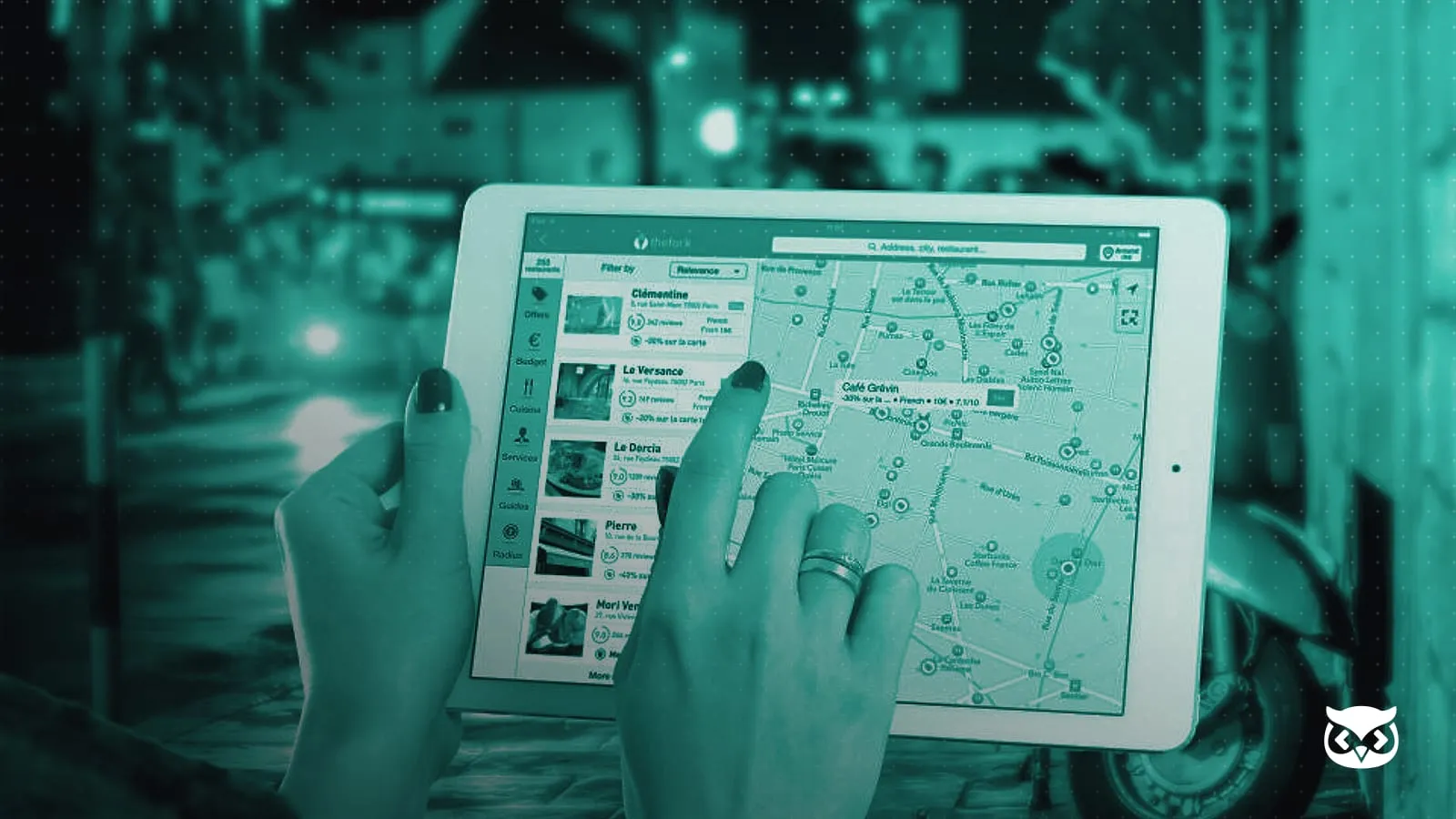
To get found by people in your city on Google Maps, you need a complete and verified Google Business Profile, the right business category, steady reviews, the same name, address and phone everywhere online, and a website that clearly says where you work. Google ranks local results by distance, relevance and prominence.
When someone in Belgrade types “hairdresser near me” or “washing machine repair Zemun”, Google does not show websites at the top. It shows a map with three businesses. Those three get most of the calls, and everyone else fights over the crumbs below.
Local SEO is the work of getting into that “local pack” of three.
How does Google pick businesses for the map?
Google has said publicly that it looks at three things:
- Relevance: how well your profile matches what the user searched for.
- Distance: how close you are to the user or the location in the search.
- Prominence: how well known the business is, based on reviews, links, mentions and search rankings.
You cannot do much about distance. You can do a lot about the other two.
Step 1: create and complete your Google Business Profile
Google Business Profile (formerly Google My Business) is free and the base of everything. If you do not have one, create it at business.google.com and verify that the business is yours.
Then fill in everything, without skipping:
- Your exact business name, without stuffing in keywords that are not part of the name. Google penalizes that.
- Primary category. Probably the most important field. “Dentist” and “Dental clinic” are not the same. Pick the most precise one and add a few secondary ones.
- Address or service area. If you go to clients, list the neighborhoods or cities you cover.
- Opening hours, including holidays.
- Phone and website.
- Services and prices. The more specific, the better.
- Photos. Real photos of your place, team and work. Profiles with photos get more clicks than empty ones.
Step 2: reviews, steady and honest
Reviews affect both your ranking and the customer’s decision. A few rules:
- Ask for a review right after a job well done, while the client is happy. A message with a direct link is easiest.
- Reply to every review, including bad ones. Short, polite and specific.
- Never buy reviews or write them yourself. Google removes them, and your profile can be suspended.
Step 3: the same details everywhere
Your name, address and phone should be written the same way on your website, Google profile, Facebook, Instagram and business directories. If one says “10 Mihajla Pupina Blvd” and another “Bulevar M. Pupina 10a”, Google is not sure it is the same business.
Go through every place you appear and make the details match.
Step 4: a website that clearly says where you work
Your website and Google profile work together. On your site:
- Mention your city and neighborhoods in headings and text, naturally.
- If you cover several cities, create a separate page for each, with real, different content. Copied pages with a changed city name do not work.
- Add contact details with an address and a map.
- Add LocalBusiness structured data with your address, hours and phone.
- Make sure the site is fast and good on phones, because local searches are almost always made on phones.
More on the technical side on our SEO page.
Step 5: stay active
Google likes profiles that are alive. Add new photos, post an update or offer, answer questions people ask on your profile. Not every day, but a few times a month makes a difference.
How long does it take?
A tidy profile can bring the first changes in a few weeks. A stable spot in the top three, in a city with plenty of competition, usually takes a few months of steady work on reviews, content and the website.
Is local SEO worth it?
For businesses that serve people in their own city, such as tradespeople, clinics, salons, restaurants and repair shops, local SEO is often the most cost-effective marketing there is. The profile is free, and a call from a local search comes from someone who needs you right now.
If you want us to check your Google profile and website, request a free audit and pick “SEO and Google”.
Frequently asked questions
Get in touch Is a Google Business Profile free?
Yes. A Google Business Profile is completely free. You only need to create it, verify that the business is yours and fill in all the details.
Do I need a website if I have a Google profile?
A profile can bring calls without a website, but it works better with one. Google checks the details on your site, and people often want to see prices, work and service details before they call.
How many reviews do I need?
There is no exact number. It matters more that reviews come in regularly, that they are honest and that you reply to them. Ten recent reviews are often worth more than fifty old ones.